Learn how to use gemini prompts for solopreneurs with Google’s 4-part framework. Save hours on client emails, content creation, and admin tasks in Google Workspace.
The Complete Solopreneur’s Guide to Mastering Gemini Prompts
read more
Gemini inside Gmail, Docs, Sheets and Drive. What to switch on, how to set it up, and what it’s good for when you run everything yourself.
Learn how to use gemini prompts for solopreneurs with Google’s 4-part framework. Save hours on client emails, content creation, and admin tasks in Google Workspace.
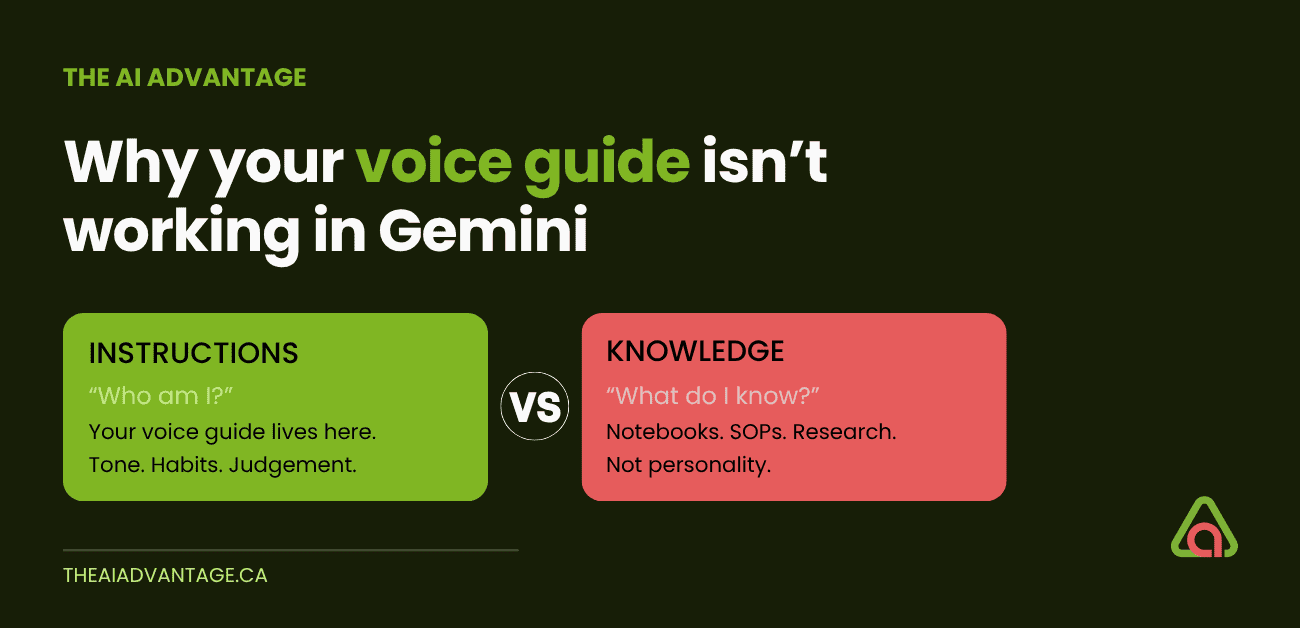
You spent an hour writing the perfect voice guide, then uploaded it to Gemini Notebook — and it still sounds like AI wrote it. Here’s the one distinction that fixes it: instructions teach a Gem who it is, knowledge teaches it what it knows. Put your voice guide in the wrong container and no amount of prompting saves it.
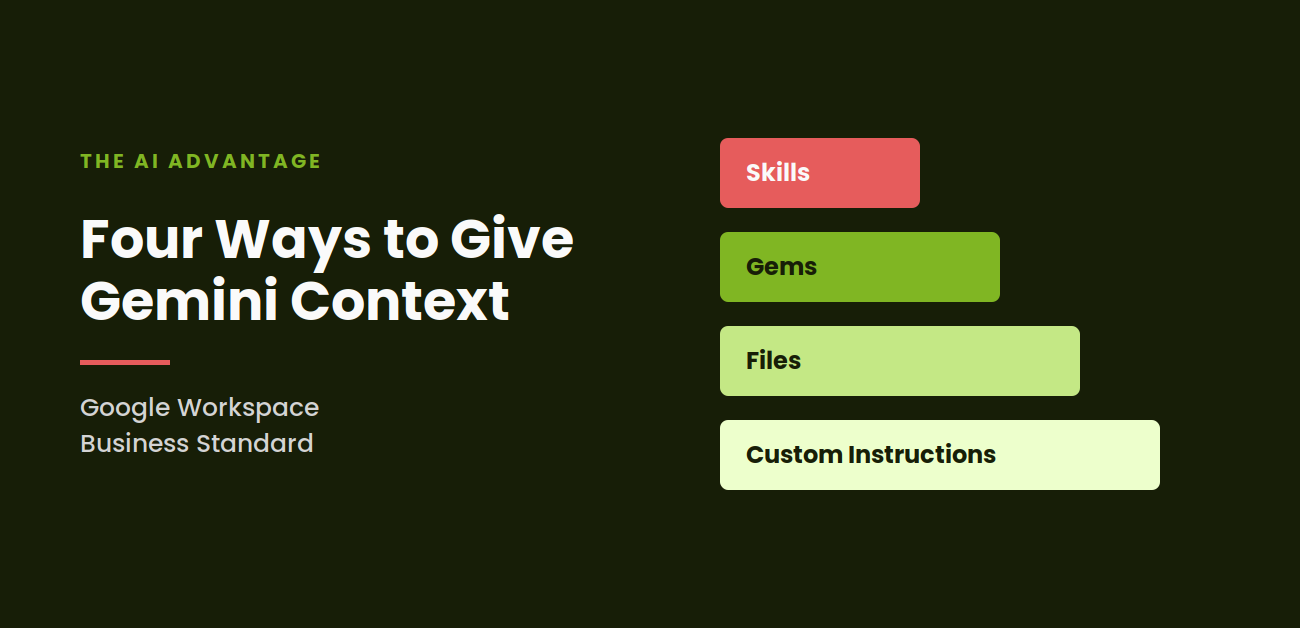
I published this post in July and told you to set your custom instructions. That advice was right. It was also incomplete. There are four ways to give Gemini context inside Business Standard, and most of them arrived after I hit publish.
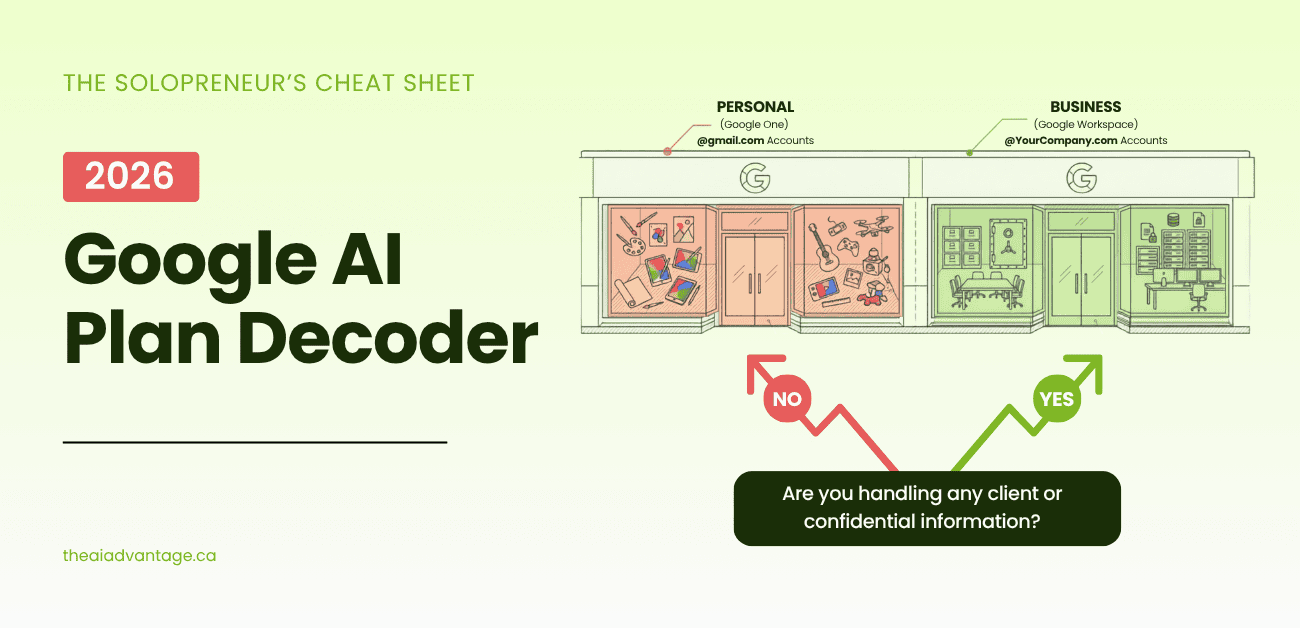
You went to buy one Google plan and ended up with fourteen tabs and a headache. I get it. This decoder puts every AI plan — personal and business — side by side, so you can pick the right one without the guesswork.
Your Drive is full of things you’ve already figured out — you just can’t find them when you need them. Here’s how Gemini Notebook turns that mess into a Second Brain you can actually talk to.
Every day, solopreneurs paste client data into a personal AI account without thinking twice. Here’s what your Business Standard account already protects, what it doesn’t, and why Bill C-36 just raised the stakes.
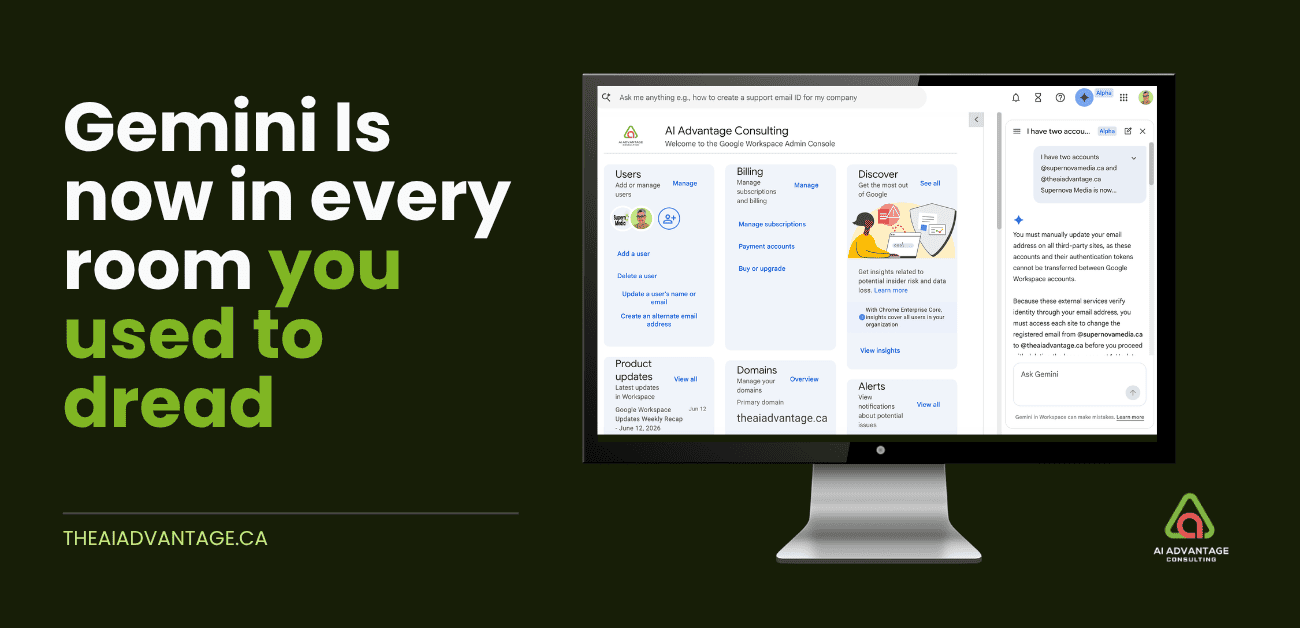
You know the tabs you never open. Analytics. The Admin Console. Your Business Profile. Gemini is in all of them now. Here’s what’s new, what’s coming, and what to do right now.
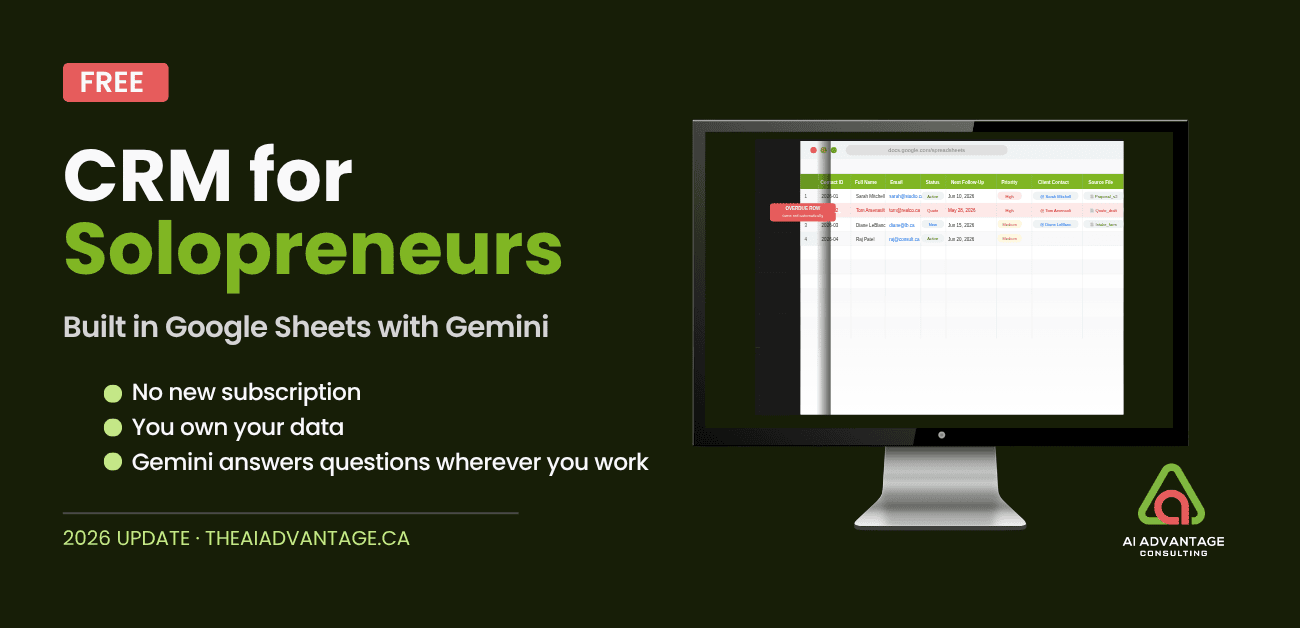
Already paying for Google Workspace? You already have a free CRM. Build it in Google Sheets with Gemini — no subscription, no new software, your data travels with you.
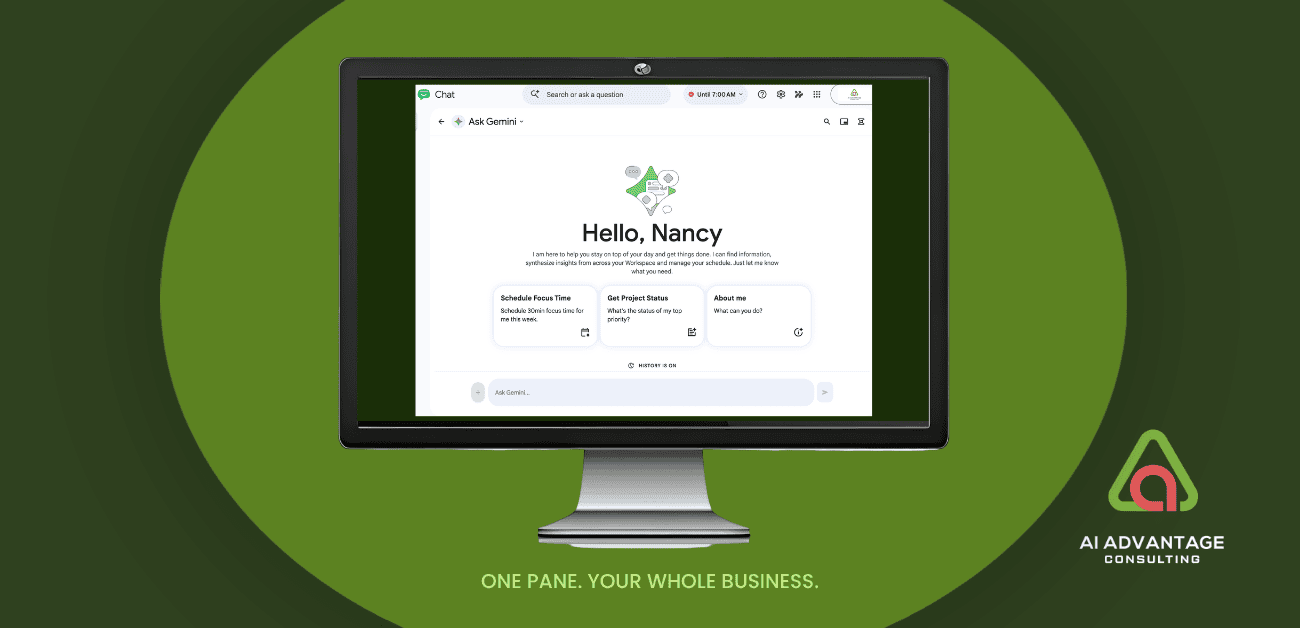
Google Chat isn’t just for teams anymore. With the rollout of Workspace Intelligence in 2026, solopreneurs can find files, draft emails, manage their calendar, and manage their daily logistics — without opening a single other app. Here’s what changed, and how to set it up.
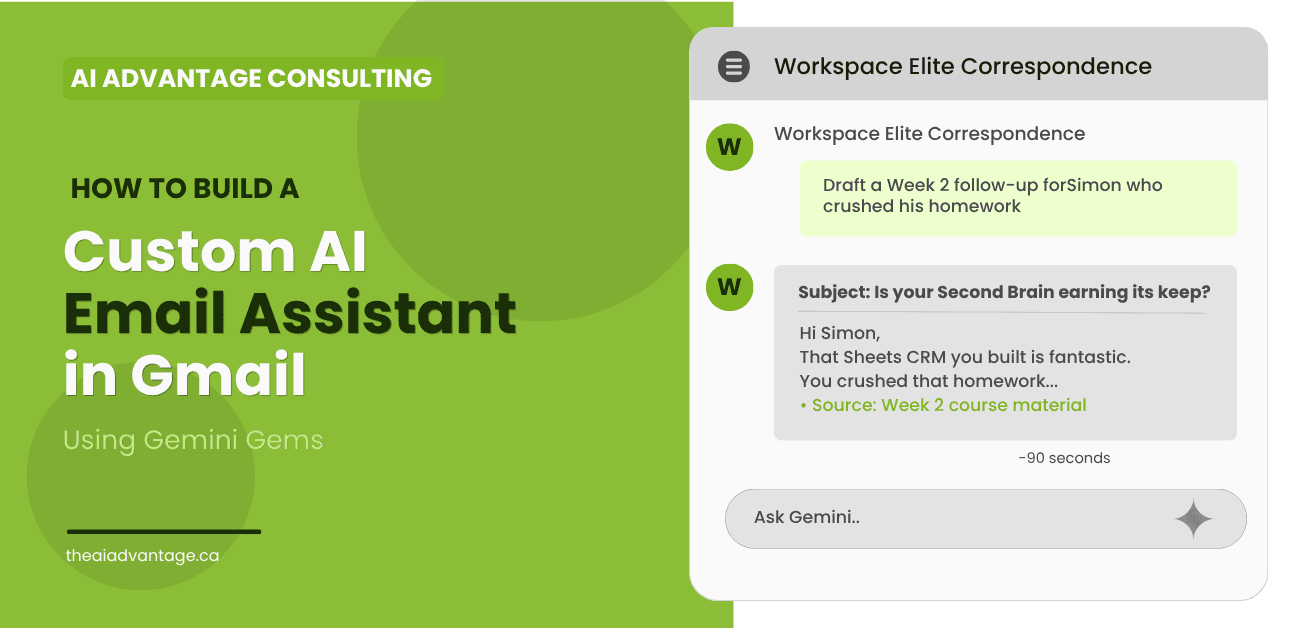
Gemini Gems let you build a custom AI email assistant that lives inside Gmail, knows your business, and drafts in your voice. Here’s how I built mine — and how to build yours.
Every Gemini AI feature inside Gmail, tested and documented with screenshots. Written for solopreneurs on Google Workspace in 2026.
Your Google Workspace subscription renews every month. Quietly. Reliably. And if you’re a solopreneur, it’s currently doing about 20% of what it’s capable of. You’re paying for a Ferrari, but you’re using it like a golf cart. That’s not a dig. It’s an opportunity. And...
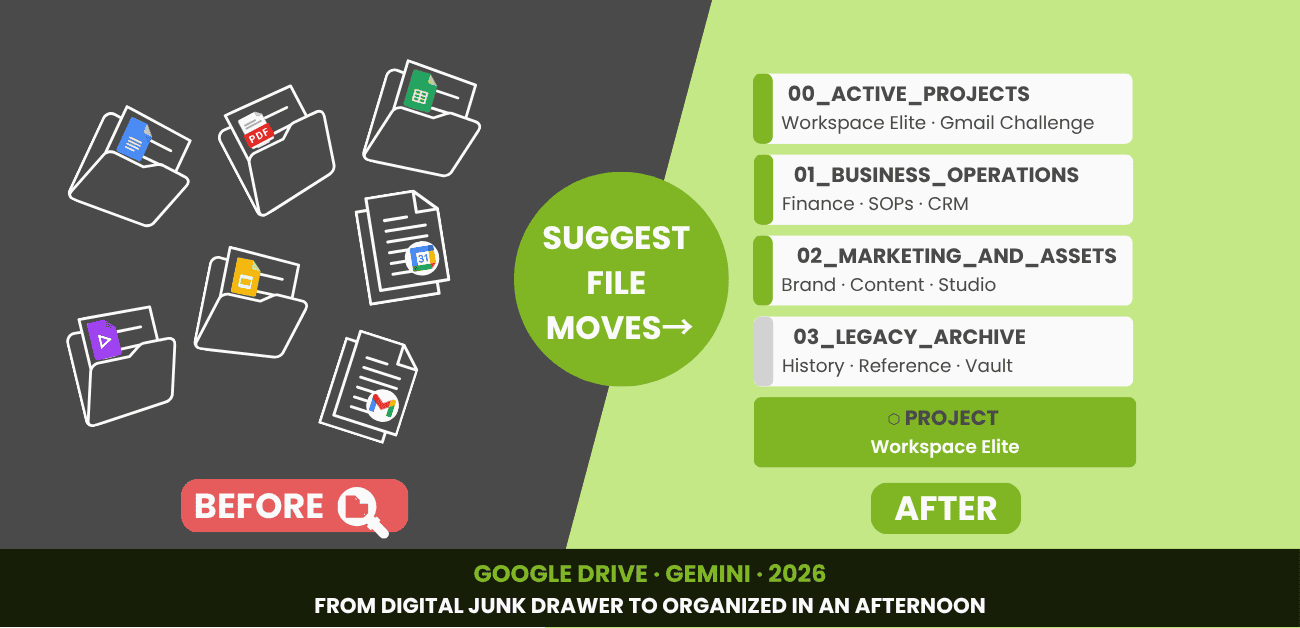
had a Google Drive problem. Almost 20 years of digital clutter, dropped files, and “I’ll file it later” promises. In 2026, Gemini cleaned it up in an afternoon. Here’s exactly how — with screenshots and copy-paste prompts.
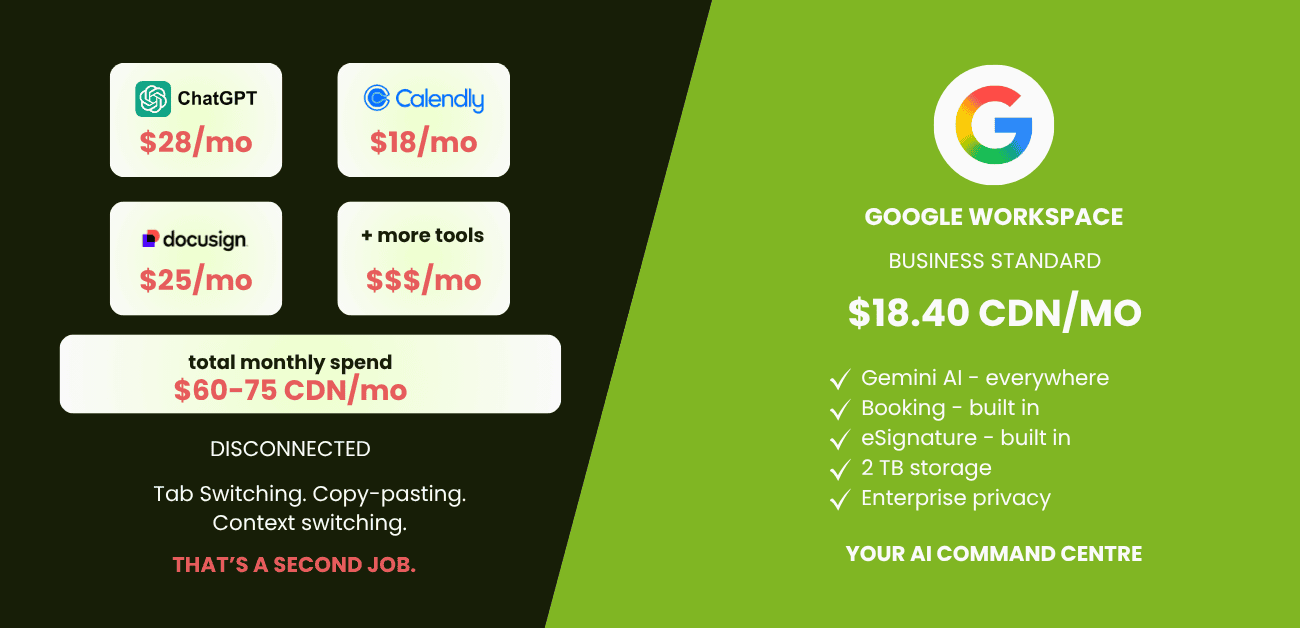
Stop Paying Twice. Google Workspace Business Standard Has Everything You Need. If you run a solo business, your work has to live somewhere. For most people, that means one of two places: Microsoft 365 or Google Workspace. That’s home base. The central nervous system...
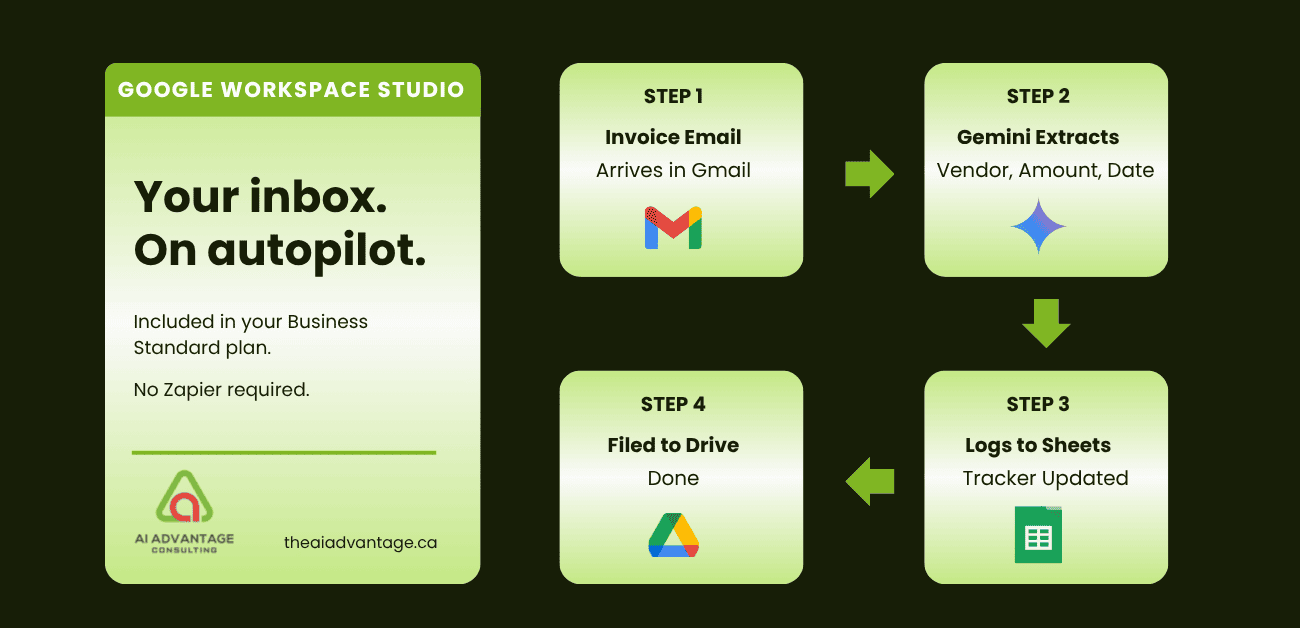
You know that feeling — holding your breath as you open your inbox. What if it could run itself? I built an automation in Google Workspace that monitors my inbox, reads every invoice and receipt, logs the details to my expense tracker, and files the PDF to the right Drive folder – Automatically! No Zapier. No extra subscription. Already included in your plan. Here’s what I built — and the steps so you can too.
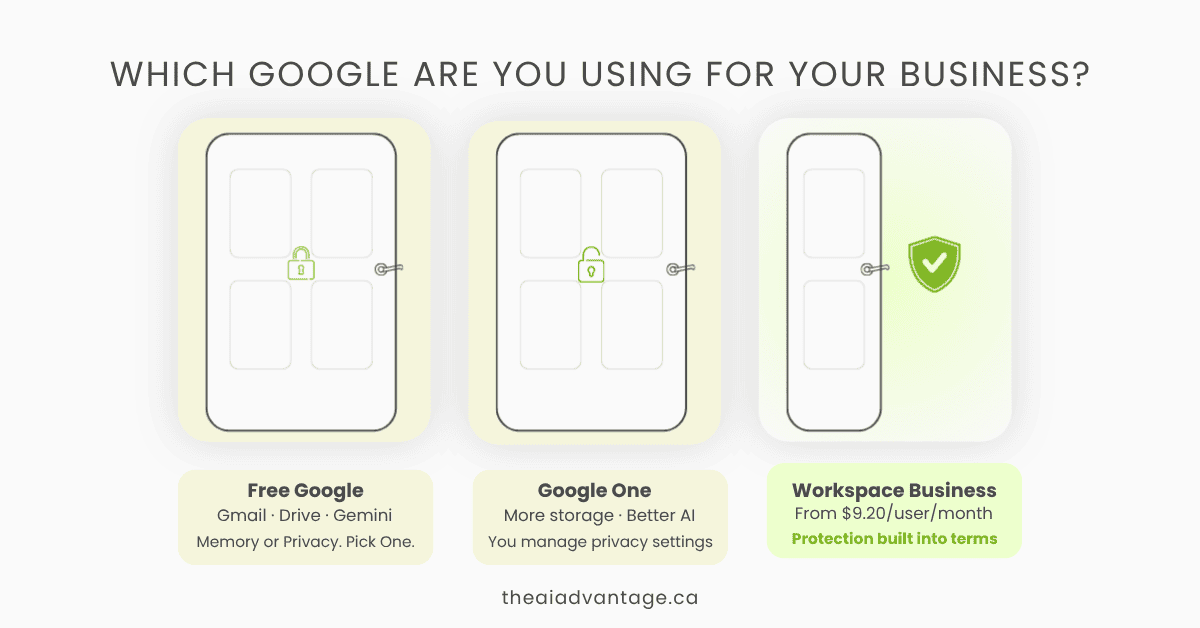
Free Google, Google One, or Google Workspace Business — which one is right for your solopreneur business? Here’s the real talk on data privacy, AI training, and what each plan actually costs you.

Tired of hunting through vet receipts and trying to remember which treats are safe? Learn how I created an AI assistant for my dog Daisy using Google Gems – now I have a 24/7 expert who knows her health history, feeding schedule, and everything in between.
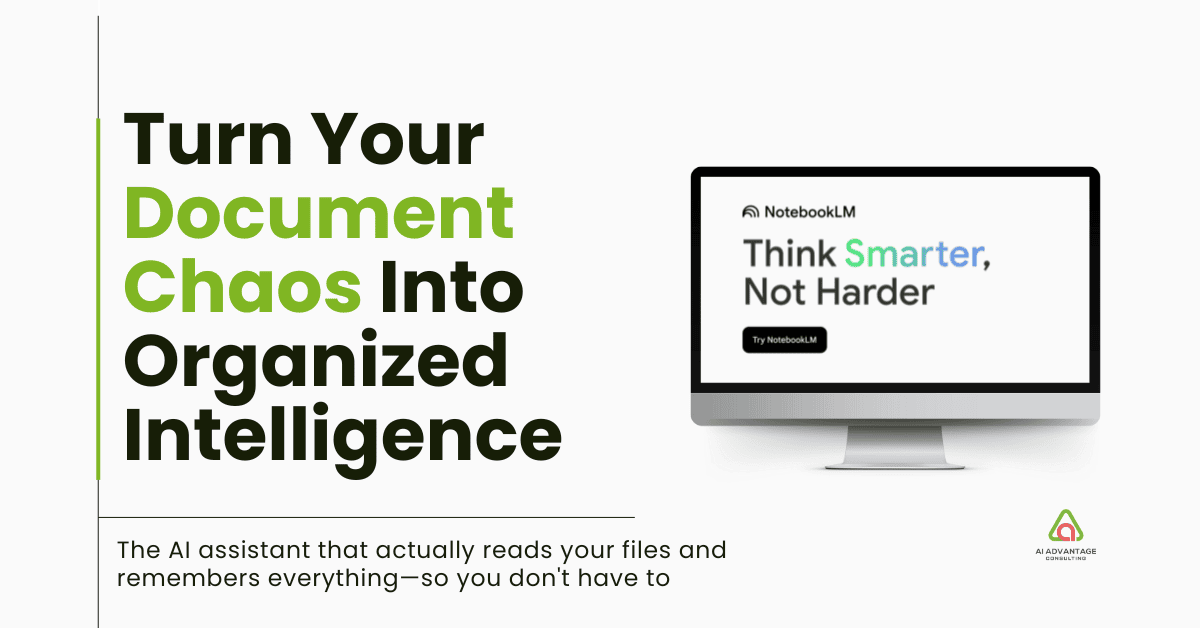
Drowning in documents but need to find crucial information fast? NotebookLM is Google’s AI research assistant that reads your documents and remembers everything. Unlike other AI tools, it only works with your content—no hallucinations, just insights from your actual files. This complete guide shows busy solopreneurs how to set up NotebookLM in minutes, with real use cases for client onboarding, content creation, and team training that actually work.
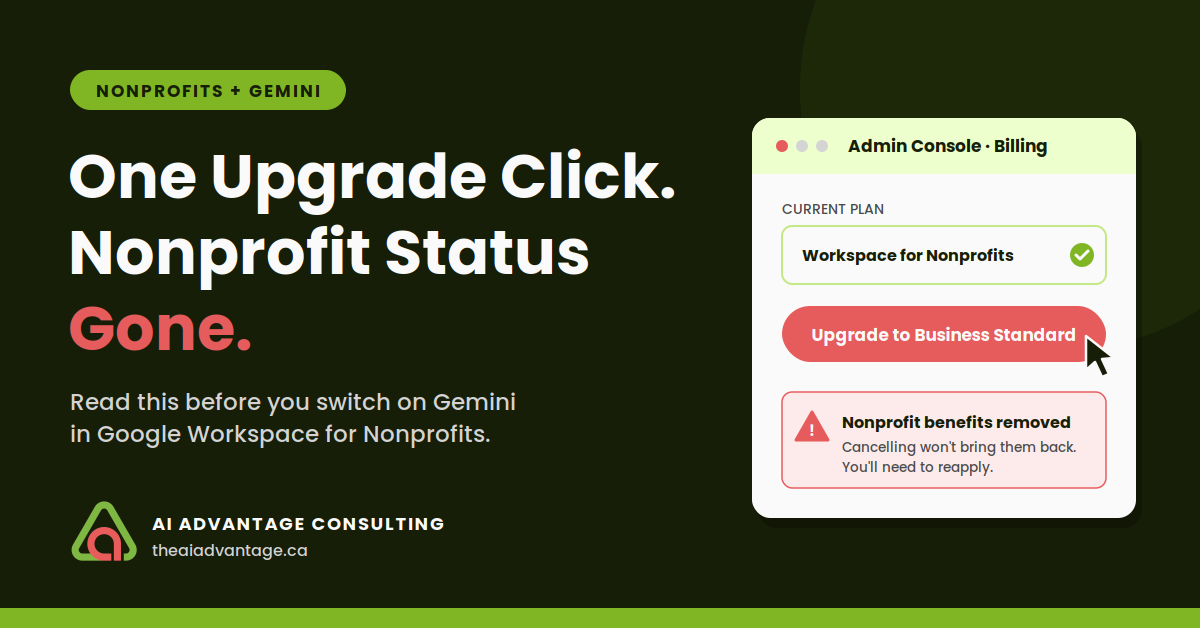
A nonprofit administrator’s costly mistake when upgrading Google Workspace to access Gemini AI resulted in lost benefits and days of downtime. Learn the correct way to enable Gemini features on nonprofit plans and avoid this expensive error.
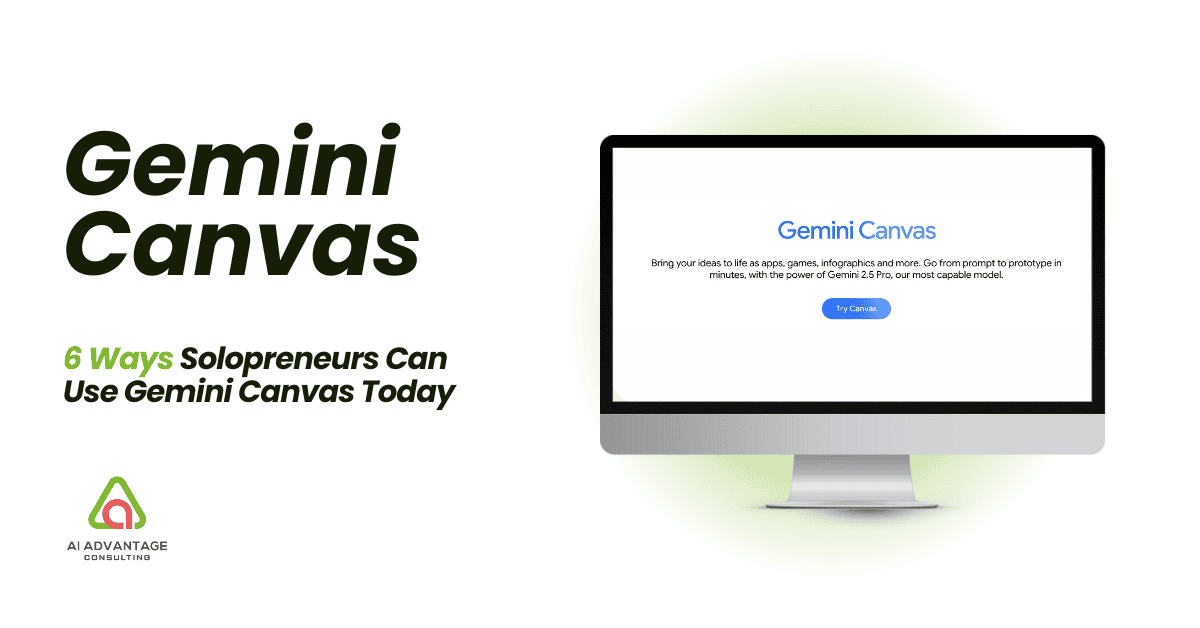
Discover how Google’s new Gemini Canvas can transform your solopreneur workflow. This AI collaboration tool helps you create content, design website mockups, plan marketing campaigns, and overcome creative blocks—all in an interactive workspace. Learn practical ways to leverage Canvas as your virtual team member and boost your productivity.